 Michael Caine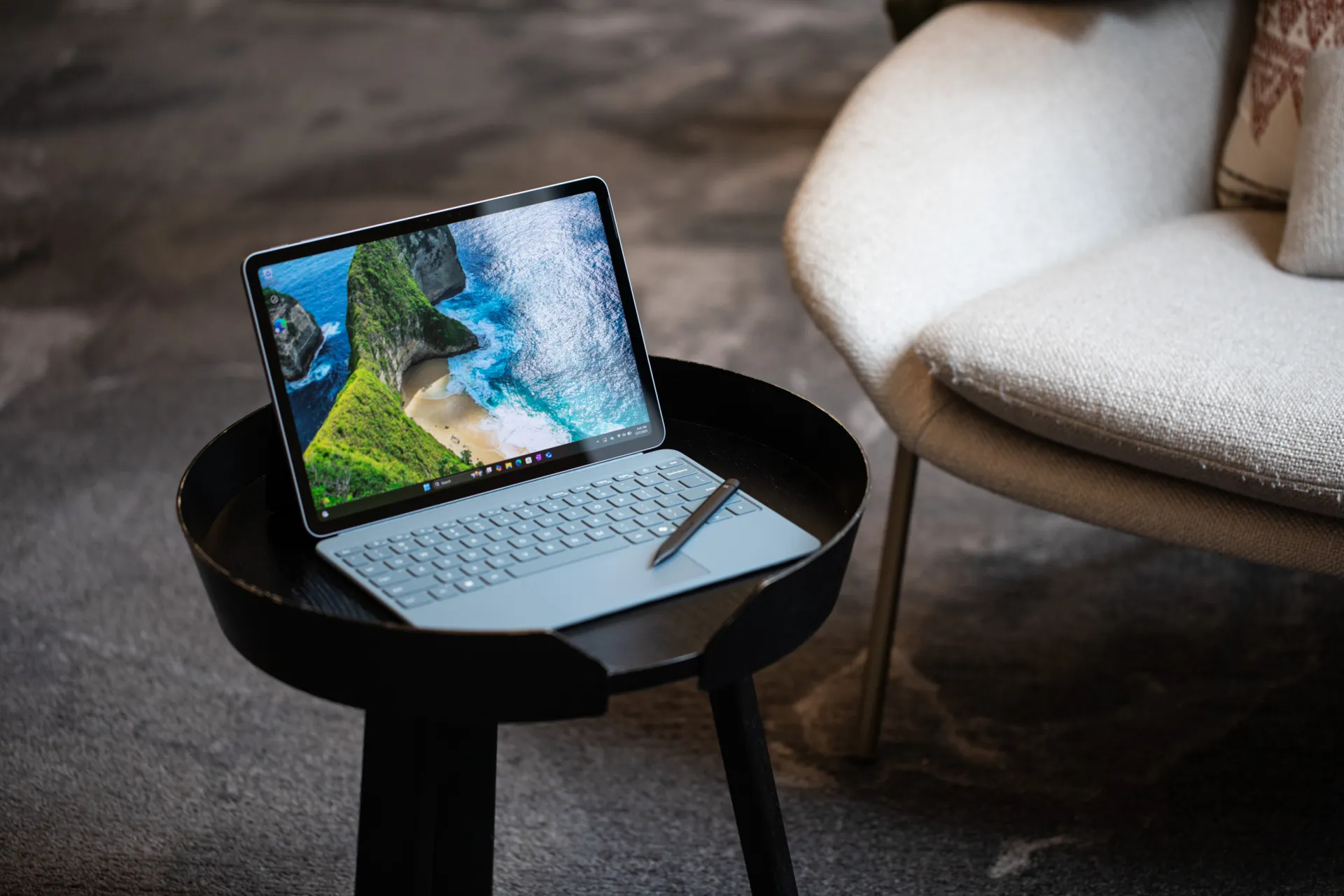
A tablet can look perfect in a store and still fail a normal Tuesday at the office. That is why Surface Pro 11 matters most when the buyer is not asking, “Which screen looks better?” but “Which device keeps my team working when files, meetings, apps, logins, and deadlines collide?” For many U.S. small businesses, the answer comes down to the kind of work being done. A designer, sales rep, field inspector, accountant, and operations manager do not need the same machine.
For teams weighing premium tablets, this practical business technology decisions conversation should start with workflow, not brand loyalty. Apple’s iPad line is still polished, light, and strong for touch-first work. Microsoft’s 2-in-1 makes more sense when laptop behavior, desktop-class software, and company IT controls carry the day. This business tablet comparison is not about declaring one winner for every buyer. It is about knowing when a Windows tablet for work saves time, and when Apple’s device feels faster because the task is cleaner.
Where Surface Pro 11 Becomes the Safer Business Choice
The strongest case for Microsoft’s device starts in the dull parts of work. That sounds unfair, but it is where businesses lose money. Payroll files, browser portals, PDF markups, docked monitors, VPN tools, printer drivers, Excel add-ins, and shared folders do not care how elegant a tablet feels in the hand. They care whether the work gets finished without a workaround.
The iPad can handle more office tasks than many people still assume. Apple’s current iPad Pro line has serious performance, modern display support, and a strong accessory path, as shown in Apple’s iPad Pro technical specifications. Yet performance is not the same as fit. A fast chip does not fix an app that was built for desktop habits.
Why Windows still matters for normal office friction
A Windows tablet for work earns its place when employees live in Microsoft 365, full Chrome or Edge, Teams, QuickBooks, Power BI, Salesforce tabs, SharePoint folders, and industry portals that were never designed around touch. This is not glamorous. It is rent, invoices, insurance forms, purchase orders, and client notes.
Take a small accounting firm in Ohio. During tax season, a staff member might need two browser windows, a spreadsheet with formulas, a PDF from a client portal, a scanner tool, and a secure messaging app open at the same time. On an iPad, each part may work. The friction comes from moving between them. On Microsoft’s 2-in-1, the work feels closer to a regular laptop because it is one.
The non-obvious point is this: the best tablet is not always the one with the cleanest tablet experience. For business buyers, the better device is often the one that feels less like a tablet. That is where Microsoft has an edge against iPad Pro competitors in offices that still depend on desktop patterns.
The keyboard, kickstand, and desk setup problem
Tablet buyers often compare chips and screens first. The desk setup deserves more attention. A business user may spend ten minutes taking handwritten notes, then three hours writing proposals. That second block decides the purchase.
Microsoft’s built-in kickstand changes the feel of mobile work. It lets the device sit on a cramped hotel desk, a trade-show counter, or a conference room table without needing the same kind of lap balance that many keyboard cases require. The typing angle, trackpad behavior, and window handling make the device easier to treat as a small laptop.
Apple’s keyboard case is polished and comfortable, but the setup still feels more like a premium tablet becoming a laptop. That difference sounds small until a regional manager spends six hours updating pricing sheets after visiting retail locations. Comfort becomes output. Output becomes money.
A tablet buying guide for remote workers should ask one plain question before anything else: will this machine replace a laptop or sit beside one? If it replaces a laptop, Microsoft’s form has a stronger claim. If it supports a laptop, Apple’s device may feel cleaner.
The iPad Advantage Is Real, but Narrower Than It Looks
Apple’s tablet wins when the work is direct, visual, and app-led. It feels fast because it removes clutter. A sales rep can hand it to a client. A designer can sketch. A doctor can review notes. A contractor can mark up a plan on site. There is less mental drag when the job fits the device.
That strength can fool business buyers. A brilliant demo does not always predict daily fit. The iPad shines in moments. A company runs on systems. The gap between those two ideas is where many purchasing mistakes happen.
Creative and client-facing work favors Apple’s polish
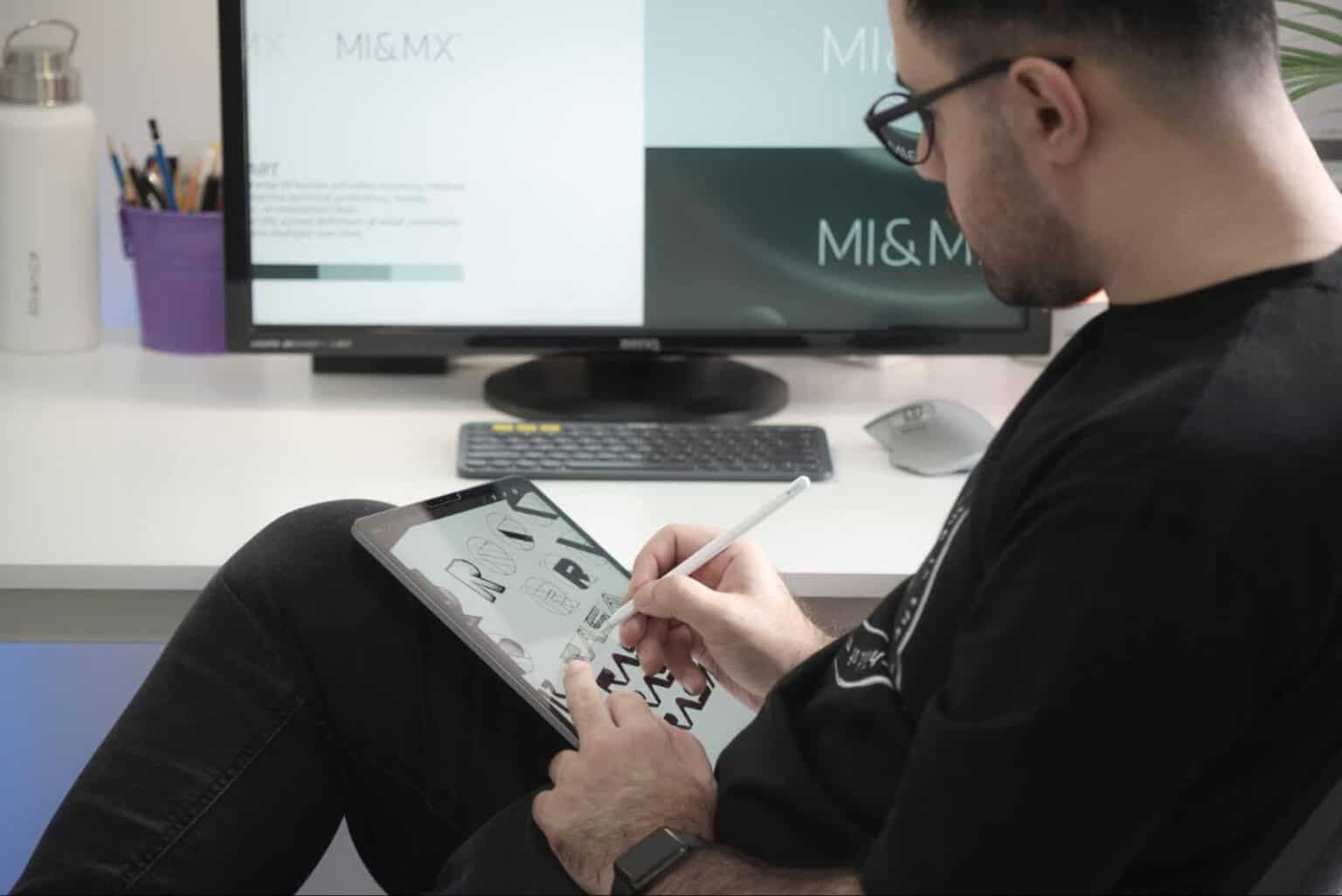
For creative review, visual selling, and touch-first presentations, Apple’s device still has a special pull. The display, Pencil support, thin body, and app quality give it a natural place in photography, interior design, marketing, real estate, and executive presentations.
Picture a Los Angeles design studio showing mood boards to a homeowner. The designer can sketch over room photos, switch between color options, and pass the screen across the table. The device fades into the meeting. That matters. Clients do not want to watch someone fight windows and file paths.
This is where iPad Pro competitors have a hard time matching Apple’s emotional fit. Microsoft’s device can do the task, but Apple often makes the moment feel smoother. In sales-heavy roles, the feel of the meeting can be part of the product.
Still, that does not mean Apple wins the full business tablet comparison. Once the same designer returns to billing, contract edits, shared drive cleanup, font files, vendor spreadsheets, and browser dashboards, the picture changes. The showroom win may not become an office win.
Field teams need fewer features, not more
Some businesses should avoid buying a “do everything” device. A field team may need photos, checklists, signatures, maps, and cellular service. That is it. Adding laptop behavior can get in the way.
For example, a pest control company in Florida might issue tablets to technicians who inspect homes, upload photos, collect payment, and move to the next job. In that case, an iPad with a locked-down app can be easier to train, easier to support, and easier to replace. The same logic applies to food service audits, school check-ins, retail inventory, and mobile medical intake.
Here is the counterintuitive part: a limited device can be the smarter business tool. If an employee’s job should happen inside two apps, a full desktop can invite distraction and support calls. The best business machine is sometimes the one that blocks extra choices.
That is why buyers need a role-by-role view. Give the finance lead a Windows tablet for work. Give the field team a locked-down iPad. Give the creative director whichever tool matches the client room. One device policy feels neat, but neat policies can cost more than mixed fleets.
Software, Security, and IT Control Decide the Real Cost
The sticker price tells only part of the story. Accessories, support tickets, app licenses, downtime, training, device management, and replacement cycles decide the actual cost. Business buyers who ignore those pieces often save money at checkout and spend it later in confusion.
For U.S. companies with existing Windows systems, Microsoft’s tablet is easier to fold into the habits they already have. For companies built around Apple Business Manager, iPhones, Macs, and iCloud-based workflows, the iPad may be easier. The right answer depends less on the tablet and more on the system around it.
Existing company systems should lead the purchase
A ten-person law office in New Jersey may already use Windows laptops, Microsoft 365, OneDrive, Outlook, Teams, Adobe Acrobat, and a case management tool that behaves best in a desktop browser. Buying Apple tablets for that team may create a second support path. Someone has to explain files, printing, keyboard commands, external displays, and app versions again.
That hidden cost matters. Staff members do not always complain in technical terms. They say, “I cannot find the file,” “The form opens weird,” or “It worked on my old laptop.” Each complaint steals time from someone.
A Windows tablet for work reduces that retraining load when the company already runs on Windows. It can join the same management approach, follow similar update rules, and work with familiar software habits. That does not make it perfect. It makes it less foreign.
The iPad fits best when the business has already accepted mobile-first systems. A boutique real estate team using iPhones, cloud signing tools, FaceTime, and simple CRM apps may gain speed from Apple’s cleaner path. The device is not weaker. It is aimed at a different kind of work rhythm.
Compatibility beats raw power in boring workflows
Tech reviews often reward speed. Businesses reward completion. A tablet that opens the right legacy tool slowly can still beat a faster tablet that cannot run it at all.
This is where the Microsoft model has a practical edge, though buyers need to choose carefully. Snapdragon-based Windows machines can be efficient and modern, but some companies still depend on older drivers, niche desktop apps, or hardware tools. For those teams, an Intel model may be safer. The best choice is not the newest chip. It is the one that does not break the workflow.
Think about a dental office using imaging hardware, label printers, insurance portals, and a Windows-only scheduling system. A manager may want a thin tablet for roaming between rooms. The device still has to talk to the rest of the office. Compatibility is not a feature on a spec sheet. It is the difference between a good day and three calls to support.
That is why any serious business tablet comparison should include a software audit before purchase. List the apps. List the browser portals. List the peripherals. List the login tools. Then test the real workflow, not a clean demo. A five-minute test with the hardest task will teach more than an hour of reading reviews.
Buying by Role Beats Buying by Brand
The worst tablet decision is the one made for “the team” as if the team does one kind of work. People do not. A founder, bookkeeper, outside sales rep, warehouse lead, and designer may share a company logo but live in separate digital worlds.
A smarter purchase starts by grouping roles. Some users need desktop freedom. Some need pen input. Some need a secure kiosk. Some need a boardroom screen. Some need all-day travel gear. Once you map that, the device choice becomes clearer and less emotional.
Match the device to the employee’s hardest hour
Do not buy for the easiest task. Email, notes, and video calls work on almost anything now. Buy for the hour when the employee is under pressure.
For a consultant flying from Dallas to Chicago, the hardest hour may be editing a proposal in Word while checking a spreadsheet and responding to a client thread. Microsoft’s device fits that pressure because it behaves like a small laptop. For a retail trainer walking store managers through a visual checklist, Apple’s tablet may win because it is lighter, cleaner, and easier to pass around.
A choosing business laptops for small teams plan should include tablets only after the company defines whether the device is primary or secondary. Primary machines need wider software coverage. Secondary machines can be more focused.
The non-obvious insight is that premium tablets fail less from weak hardware and more from identity confusion. The buyer wants a laptop replacement, a sketchpad, a meeting device, and a field terminal in one purchase. One device can cover many jobs, but it will not serve every role with the same grace.
Think in total kit cost, not tablet price
The device itself is only the start. Add a keyboard, pen, case, charger, warranty, spare accessories, docking setup, cellular plan, and management software. Then add the cost of employee adjustment. That last line never appears on the receipt.
An executive may love the iPad in meetings, then ask for a laptop when spreadsheet work gets serious. That means the company bought two devices where one Windows machine may have done enough. On the other side, a field worker may receive a full Windows setup and never touch half of it. That is waste too.
Against iPad Pro competitors, Microsoft’s device is often the better buy when it prevents a second machine purchase. Apple’s tablet is often the better buy when the role is mobile, visual, and controlled. The math changes by job.
Accessories deserve a hard look. A premium keyboard and pen can turn a good tablet price into laptop money. That is not a problem if the setup replaces a laptop. It is a problem if the device becomes a shiny companion that still needs a notebook beside it.
Conclusion
The best business device is the one that disappears into the work. It should not make employees translate every task into a new habit. It should not force IT to support a second system without a clear payoff. It should not win a spec contest and lose the afternoon.
For most U.S. companies choosing between premium tablets, Surface Pro 11 makes the stronger case when the employee needs a true laptop replacement, desktop apps, deeper file handling, and Windows-based control. The iPad makes more sense when the work is visual, mobile, app-led, and easy to lock down. That split is not a weakness. It is the honest shape of modern work.
Do not ask which tablet is better in the abstract. Ask which job gets messy first. Test that job. Price the full kit. Count support time. Then buy the device that protects the workday instead of the one that wins the showroom.
Frequently Asked Questions
Is a Windows tablet better than an iPad for business work?
It is better when the job depends on desktop apps, full browser tools, shared drives, Excel-heavy work, or Windows-based IT policies. The iPad is better for touch-first work, client presentations, field forms, and creative review where simple app flow matters more than desktop behavior.
Can an iPad replace a laptop for a small business owner?
It can replace a laptop for email, notes, meetings, light document edits, signing tools, and visual presentations. It becomes harder when the owner handles spreadsheets, multiple browser portals, desktop accounting tools, file transfers, or older business software that expects a regular computer.
What is the best tablet for Microsoft 365 users?
A Windows 2-in-1 is usually the safer pick for heavy Microsoft 365 users because Word, Excel, Outlook, Teams, OneDrive, and SharePoint behave closer to their desktop versions. The iPad handles Microsoft apps well, but complex formatting and multitasking can still feel tighter.
Should businesses buy the same tablet for every employee?
Usually not. A single-device policy looks clean, but roles differ. Finance, sales, field service, leadership, and design teams often need different setups. Matching devices to job pressure reduces waste, support issues, and the chance that employees keep asking for another machine.
Is the iPad better for sales teams?
It often is, especially when sales work depends on demos, catalogs, video, forms, signatures, and client-facing polish. A light tablet feels natural across a table. Sales teams that edit proposals, manage spreadsheets, or use desktop CRM tools may still need a Windows device.
What should a company test before buying tablets?
Test the hardest daily workflow first. Open the main apps, connect the needed accessories, try the browser portals, edit a real file, join a video call, print or export, and confirm login tools work. A short hands-on test beats a long spec comparison.
Are tablet accessories worth the extra cost?
They are worth it when they replace another device or remove daily friction. A keyboard, pen, dock, and case can turn a tablet into a full work kit. They are wasteful when the tablet is only used for viewing, signatures, or light meetings.
Which tablet is better for remote workers?
Remote workers who write, present, analyze files, and work across many browser tabs usually benefit from a Windows 2-in-1. Workers who annotate, meet clients, inspect sites, or run a few focused apps may prefer Apple’s tablet because it is lighter and simpler to handle.